Pin and unpin a timeline

You can pin and unpin a timeline.

Pin a timeline

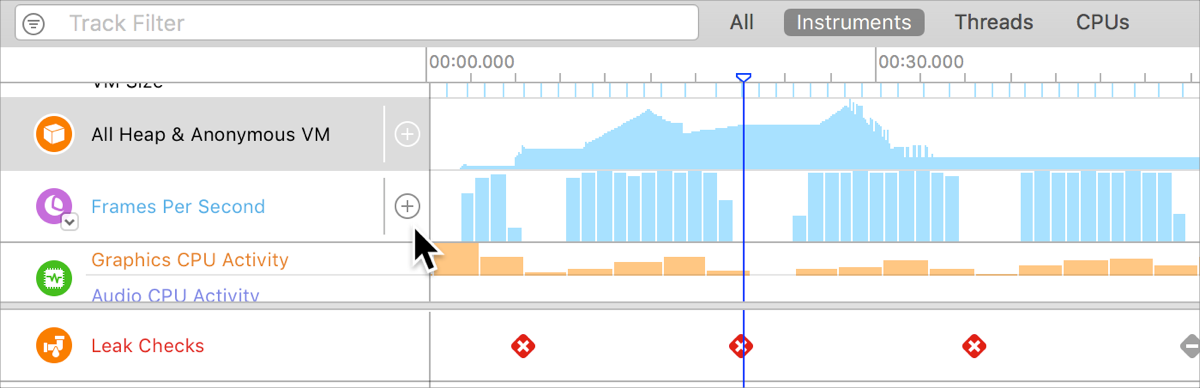
  1. Move the pointer over the left side of the desired timeline if it is not currently selected.

  2. Click the Plus button ().

Screenshot showing the timeline pane with the mouse over the Frames Per Second instrument that shows the pin button.

Unpin a timeline

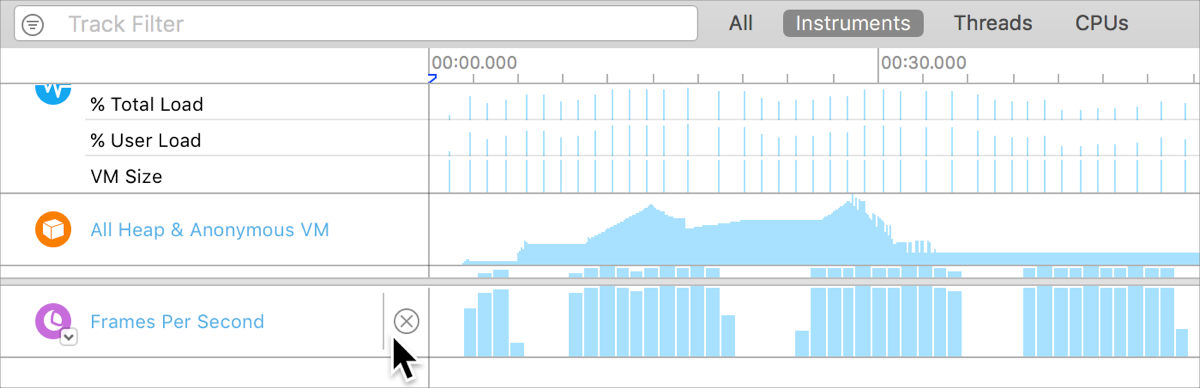
  1. Move the pointer over the left side of the desired timeline if it is not currently selected.

  2. Click the Delete button ().

Screenshot showing the timeline pane with the mouse over the pinned Frames Per Second instrument that shows the unpin button