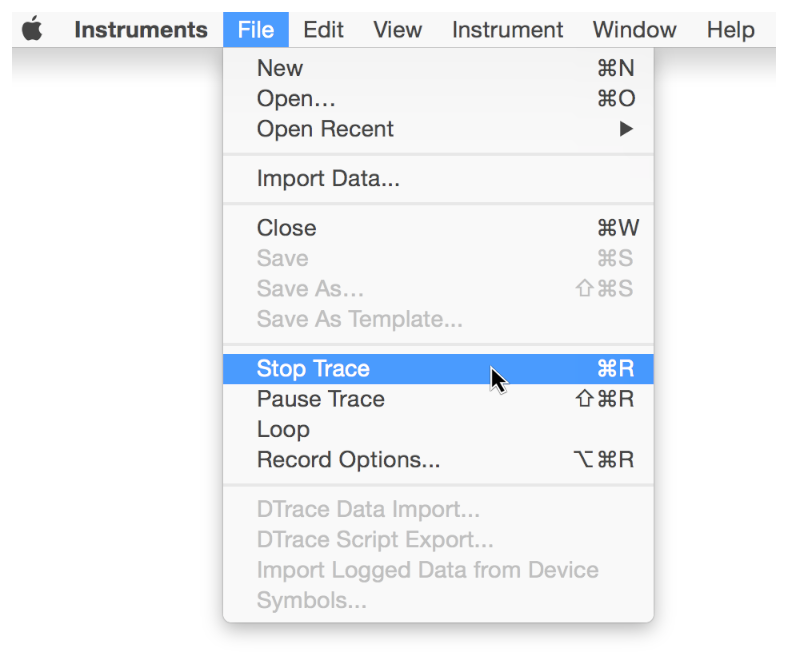
Once you’ve recorded the data you want, stop the recording so you can begin analyzing the collected data.
Do one of the following:
Click the Stop button () in the trace document toolbar.
Choose File > Stop Trace (or press Command-R).

 ) in the trace document toolbar.