
You can add a virtual drummer to your project using a Drummer track, and choose drummers from different genres. Each drummer comes with its own drum kit and a distinct playing style. You can change the drummer’s playing style in the Drummer Editor.
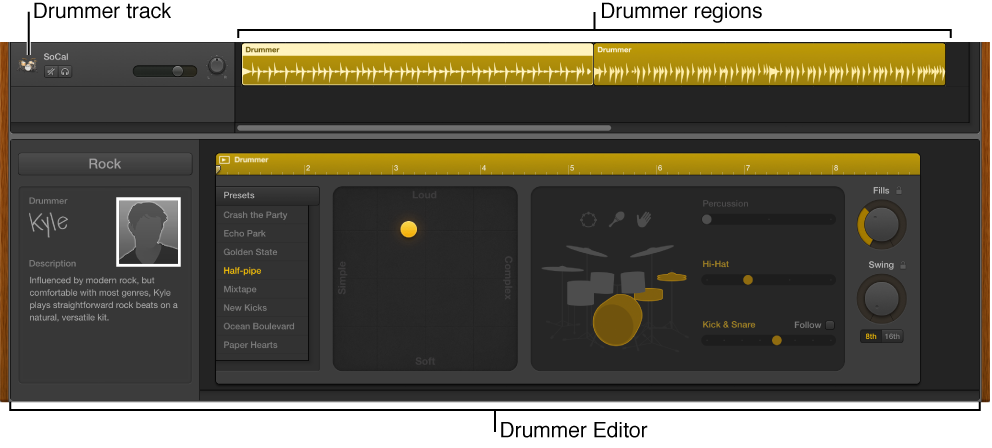
When you add a Drummer track to your project, a drummer and a default patch associated with that drummer are loaded. The default patch is based on a stereo mixdown of the full, multi-miked drum kit mix.
Do one of the following:
Choose Track > New Track (or press Option-Command-N).
Click the Add Track button  above the track headers.
In the New Track dialog, select the Drummer track.
Click Create.
If the project does not have arrangement markers: A Drummer track containing two 8-bar regions is created. Two different presets associated with the drummer are loaded to the two regions.
If the project has arrangement markers: A Drummer track containing as many regions as there are arrangement markers is created. The length and name of the Drummer regions correspond to the existing arrangement markers.
Command-click an empty area of the Drummer track.
A new 8-bar region is created at the downbeat that precedes the clicked position.