
You can record to more than one audio track at a time, which allows you to record several instruments at once—placing each instrument on a separate track, for example.
Set the instrument or microphone input source for each track you want to record to.
Click the Record Enable button  in the track header of each track you want to record to.
Move the playhead to the point in the ruler where you want to start recording.
Set the metronome and count-in to hear a steady beat while recording.
Click the Record button  in the control bar (or press R) to start recording.
Start singing or playing your instrument.
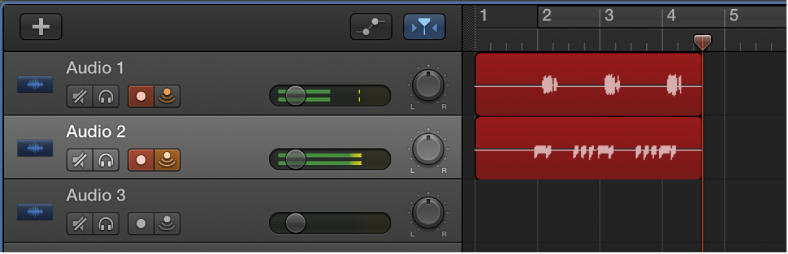
A new audio region appears on each of the record-enabled tracks.
Click the Stop button  in the control bar (or press the Space bar) to stop recording.