
You record sound from a microphone (voice or acoustic instrument, for example) or an electric instrument (such as an electric guitar) connected to your computer, to an audio track.
Select the header of the audio or guitar/bass track you want to record to.
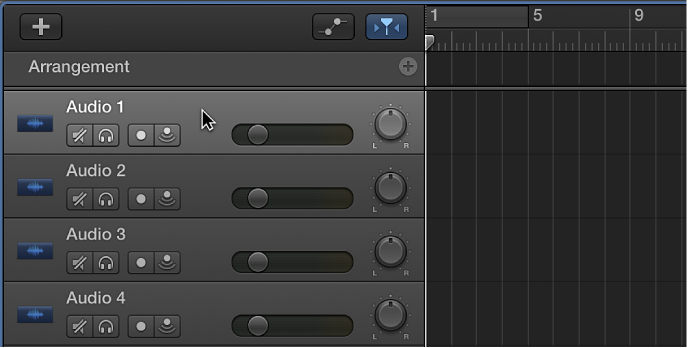
Move the playhead to the point in the ruler where you want to start recording.
Set the metronome and count-in to hear a steady beat while recording.
Click the Record button  in the control bar (or press R) to start recording.
Start singing or playing your instrument.
The recording appears as a new audio region on the track as you record.
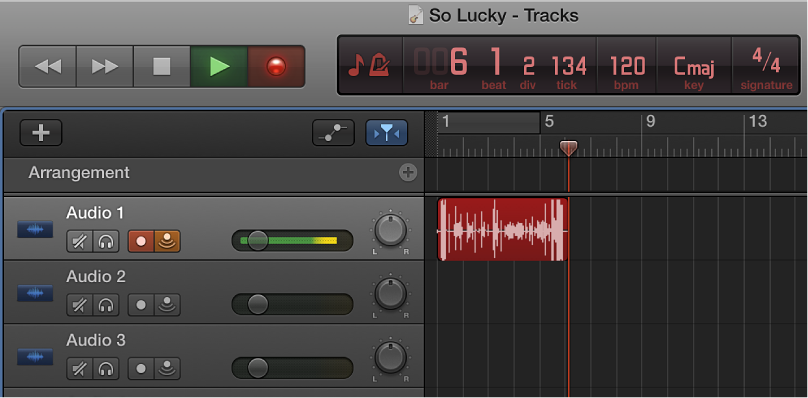
Click the Stop button  in the control bar (or press the Space bar) to stop recording.