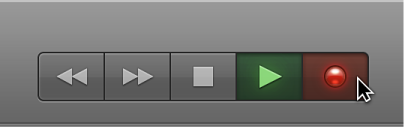
You can use the transport buttons in the control bar to control playback, set the playhead position, and start or stop recording.
Click any of the following:
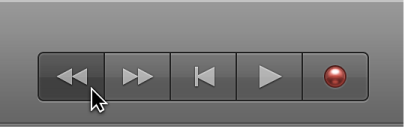
Rewind/Fast Rewind button: Moves the playhead one bar to the left. Click-hold to fast rewind.
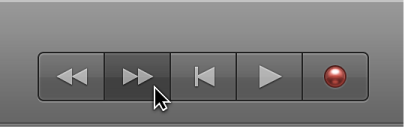
Forward/Fast Forward button: Moves the playhead one bar to the right. Click-hold to fast forward.
Stop button: Stops playback or recording. Click a second time to move the playhead to the start of the project, or to the start of the cycle area.
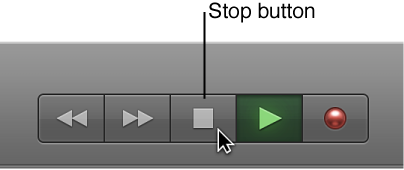
Play button: Starts playback at the playhead position, or from the start of the cycle area. You can also start or stop playback by pressing the Space bar.
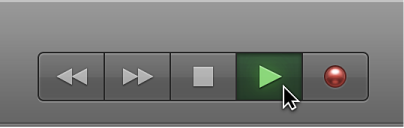
Record button: Starts or stops recording on record-enabled tracks.