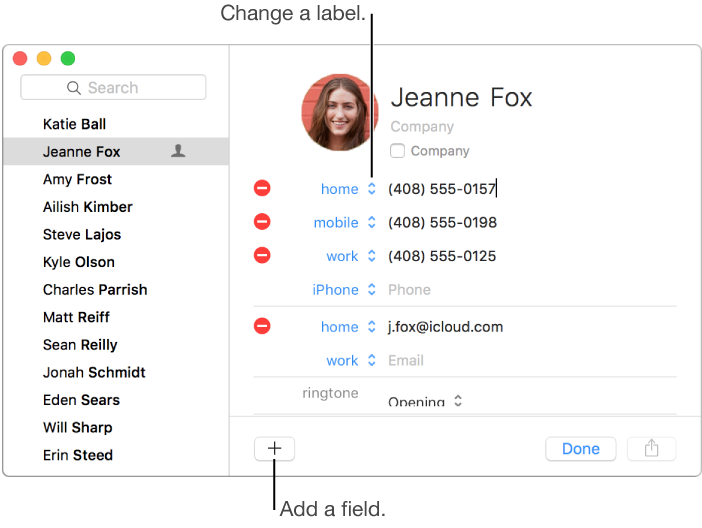

You can change or add more information to your contacts at any time. For example, you can add a nickname field for a friend.
Select a contact, then click Edit.
Make changes to the contact card.
Add a field: Click the Add button  , then choose a field.
Change a field’s label: Click the label and choose a different one.
Remove a field: Click the Remove button  .
.
Tip: Empty fields appear only when you edit information, so you don’t need to remove them.
Click Done.
If you remove an account, any edited contacts remain in your default contact account.