Keep track of your busy schedule and share it with others using Calendar. Add events for your meetings, appointments, and activities, and set event alerts and receive notifications.
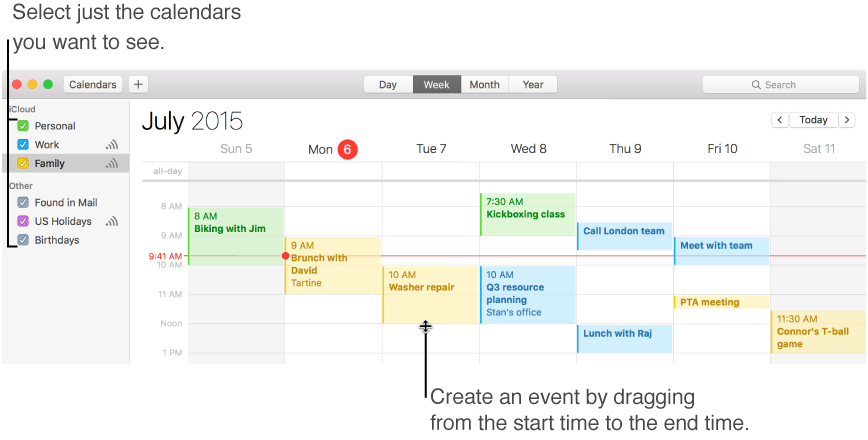
Color code your events by creating separate calendars—one for work, another for personal events, and so on. See meetings, appointments, dinner dates, and other events from all your calendars in one calendar window, or just events from calendars you want to see right now. Learn more.
Put your event on the map
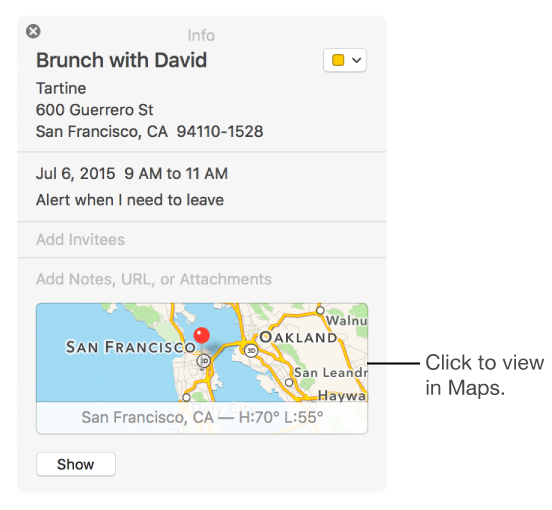
Add the location of your event—like the name of a restaurant—and Calendar fills in the address, shows you a map and the weather, and lets you know when it’s time to leave. Learn more.
Invite and be invited
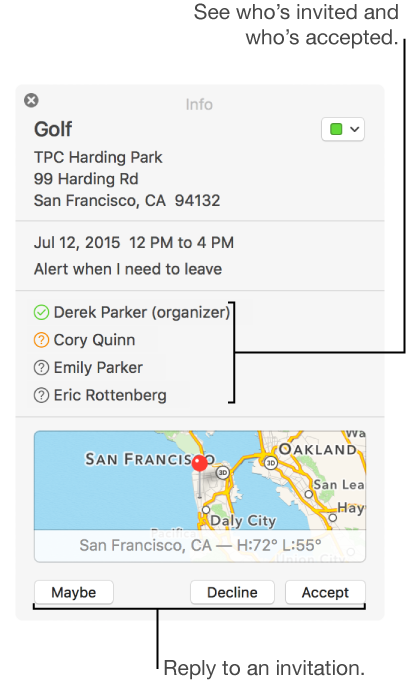
After you create an event, you can invite people to participate—just start typing a name or email addresses. As you type, Calendar offers suggestions from your contacts and Mail messages, and it suggests people you recently invited to an event together. When you’re invited to an event, you can reply in Calendar, or directly from a notification or a Mail message. Learn more.
Share your calendars
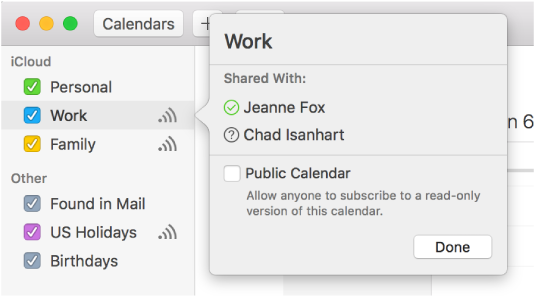
If you have a calendar account, such as iCloud or Microsoft Exchange, you can share a calendar privately with other people who have the same kind of account. You can always subscribe to a public calendar that someone published on the Internet, such as a moon calendar or an academic calendar. Learn more.
Orchestrate your calendar accounts
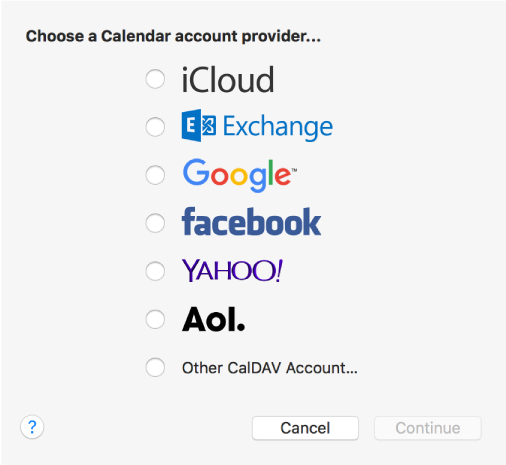
Coordinate events from all your calendars, even if they’re in different accounts like iCloud, Facebook, Microsoft Exchange, and CalDAV. You simply add calendar accounts, and they appear in the calendar list on left side of the Calendar window. (Note the iCloud account in the image at the top of this page.) Changes you make in these accounts on your Mac appear automatically on your other devices set up for the same accounts, and vice versa. For example, changes to your iCloud calendar stay up to date on your iPhone, iPad, iPod touch, and on iCloud.com. Learn more.