
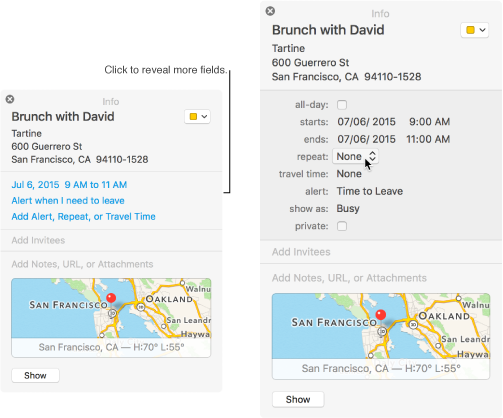
Double-click the event to view event details, or force click the event, then click the event’s date.
Click the Repeat pop-up menu, then choose an option.
To set the event to repeat on a schedule not included in the menu, choose Custom.
Click the “End repeat” pop-up menu, then choose when to stop the event.