
Restore the entire library from an external backup disk
Connect the hard disk drive that contains the most up-to-date vault to your computer, and open Aperture.
Choose File > Vault > Restore Library.
The Restore Library dialog appears.
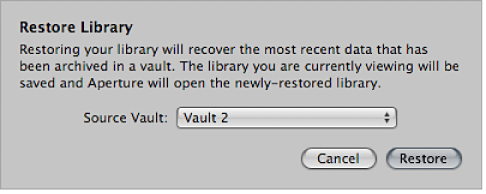
Choose the vault you want to use to restore your library from the Source Vault pop-up menu.
If the vault doesn’t appear in the Source Vault pop-up menu, choose Select Source Vault from the Source Vault pop-up menu, navigate to the vault’s location in the Select Source Vault dialog, and click Select.
Click Restore, and then click Restore again.