Add and remove photos in the Light Table
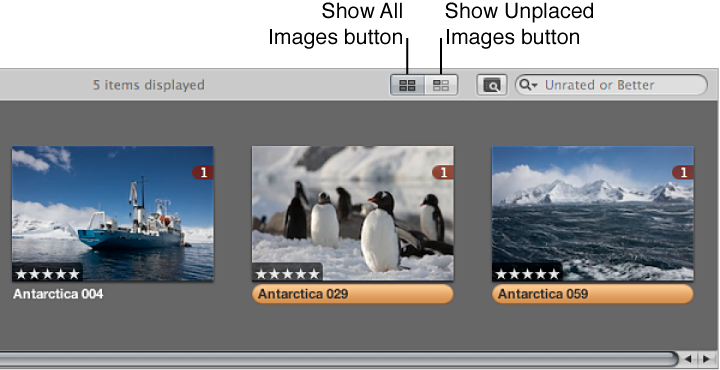
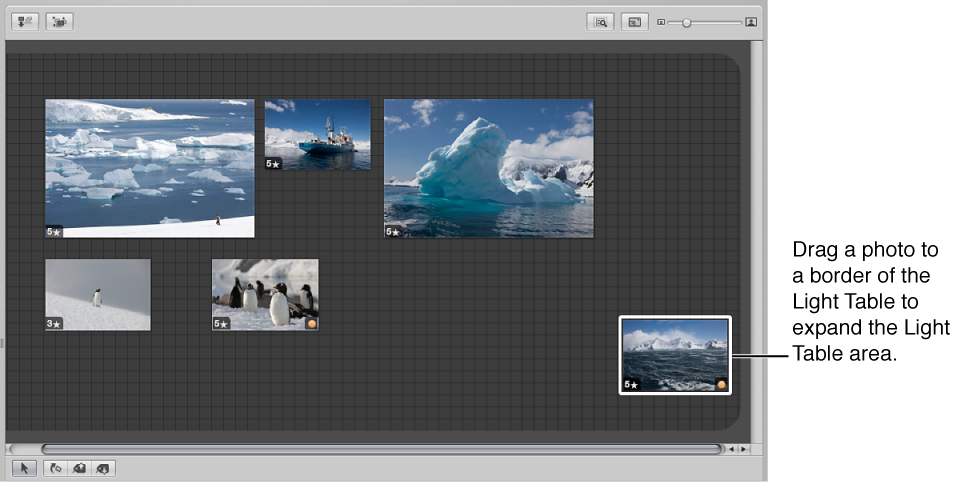
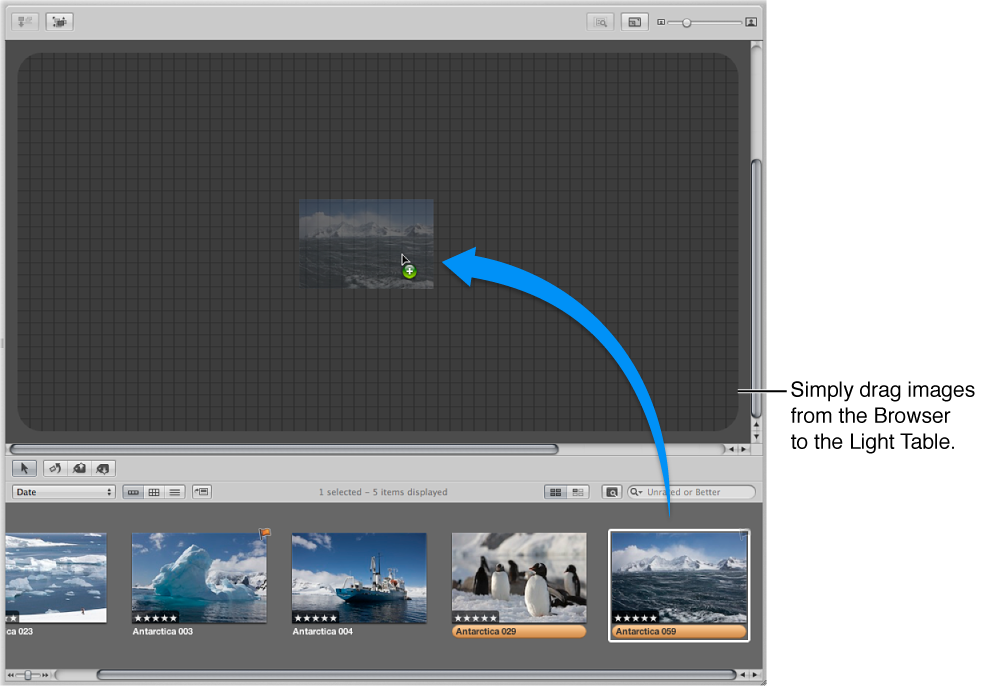
To add photos to the Light Table: Select a Light Table album in the Library inspector, and drag photos from the Browser to the Light Table.
To remove a photo from the Light Table: Select the photo in the Browser, and click the Put Back Selected button at the top-left corner of the Light Table.
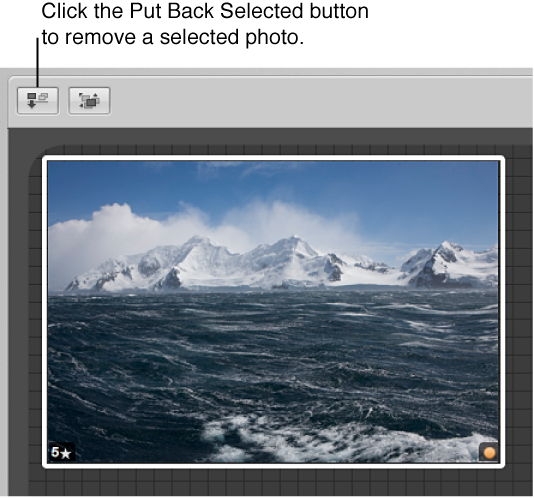
The photo disappears from the Light Table but remains available in the Browser.