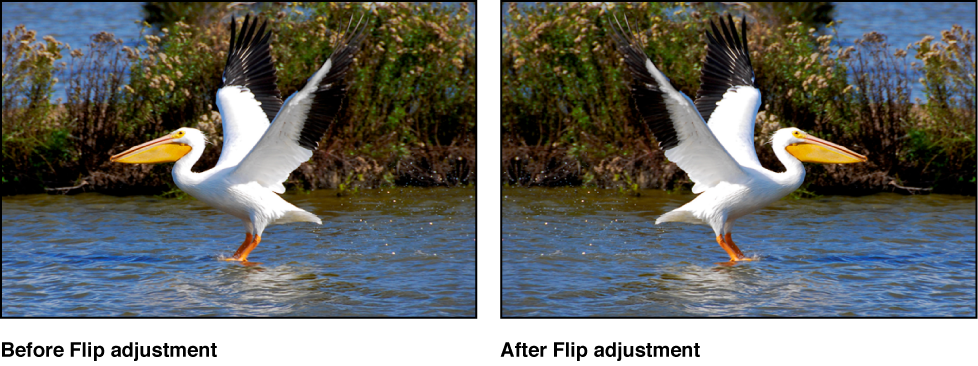

You use the Flip adjustment controls when you want to flip the composition of the image vertically, horizontally, or both.
Select a photo.
If the Flip controls are not shown in the Adjustments inspector or the Adjustments pane of the Inspector HUD, choose Flip from the Add Adjustment pop-up menu.

Choose an option from the Flip Type pop-up menu:
To flip the image horizontally: Choose Horizontal.
To flip the image vertically: Choose Vertical.
To flip the image both horizontally and vertically: Choose Horizontal and Vertical.