Turn an adjustment on and off
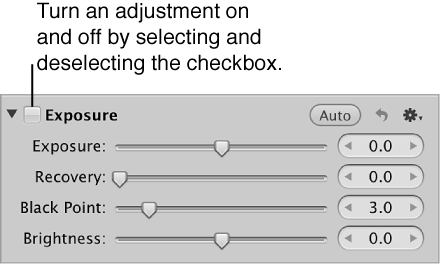
In the Adjustments inspector or the Adjustments pane of the Inspector HUD, select the checkbox next to the adjustment’s name to turn the adjustment on, and deselect the checkbox to turn it off.

In Aperture, you can temporarily turn adjustments on and off to verify the cumulative effect of the adjustments on your image. You can also remove specific adjustments or remove all adjustments from a photo selection at once.
In the Adjustments inspector or the Adjustments pane of the Inspector HUD, select the checkbox next to the adjustment’s name to turn the adjustment on, and deselect the checkbox to turn it off.
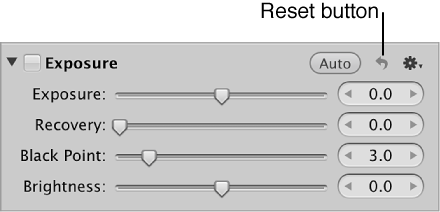
Select a photo, and click the Reset button for the adjustment you want to remove.
Select a photo.
Do one of the following:
Choose Photos > Revert to Original.
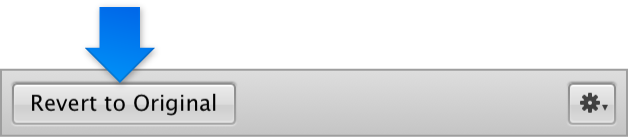
In the bottom-left corner of the Adjustments inspector or the Adjustments pane of the Inspector HUD, click the Revert to Original button.