
Search for photos of a particular person
In the Library inspector, select Faces.
In Faces view, enter the name of the person you are looking for in the search field.
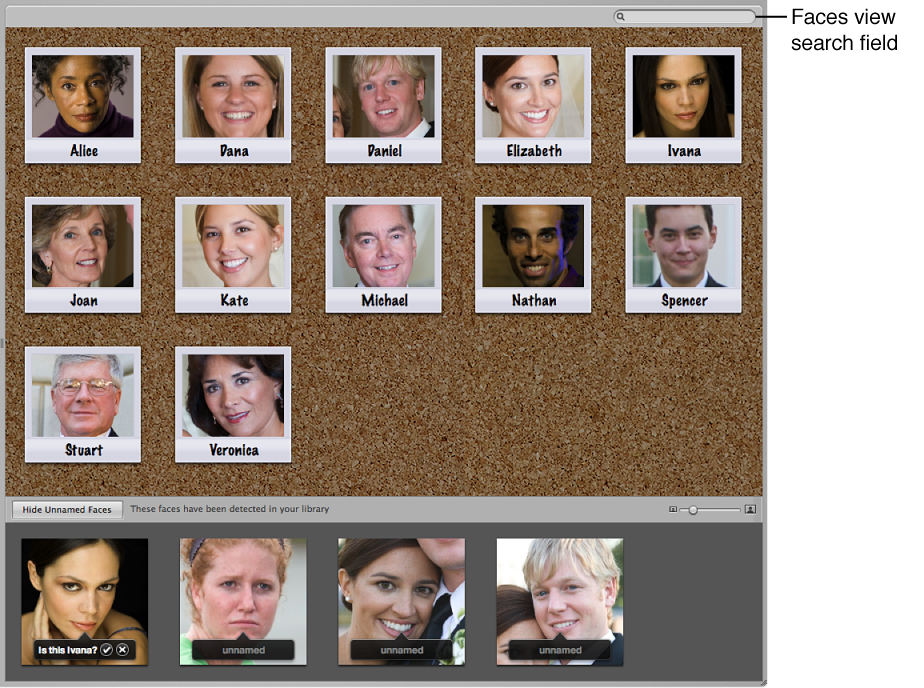
Aperture displays the snapshot of the person whose name you entered in the search field, removing all others from view.