Enter full-screen view
Click the Full Screen button at the top-right corner of the Aperture main window (or press F).
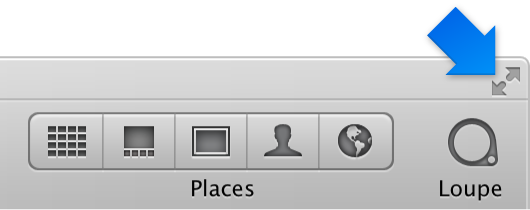
The Aperture main window disappears, and your photos appear in full-screen view.

You can quickly switch between full-screen view and your workspace layout in the Aperture main window.
Click the Full Screen button at the top-right corner of the Aperture main window (or press F).
The Aperture main window disappears, and your photos appear in full-screen view.
Do one of the following:
Click the Exit Full Screen button in the full-screen view toolbar (or press F).
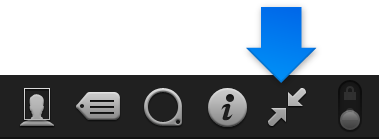
Press Esc (Escape).
The workspace view you were working in before entering full-screen view reappears.
Note: When you quit Aperture while working in full-screen view, Aperture returns to full-screen view the next time you open the application. You can bypass full-screen view and return to the main Aperture workspace by pressing Option-Shift while opening Aperture.