Display the original photo for a selected version
Do one of the following:
Choose View > Show Original Image (or press M).
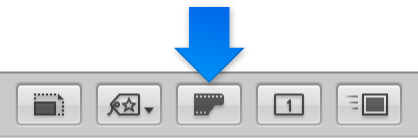
Click the Show Original button in the tool strip.

When working with adjusted images, or versions, you may at times want to check what the original photo looks like. Aperture can quickly display the original photo on which a selected version is based.
Do one of the following:
Choose View > Show Original Image (or press M).
Click the Show Original button in the tool strip.