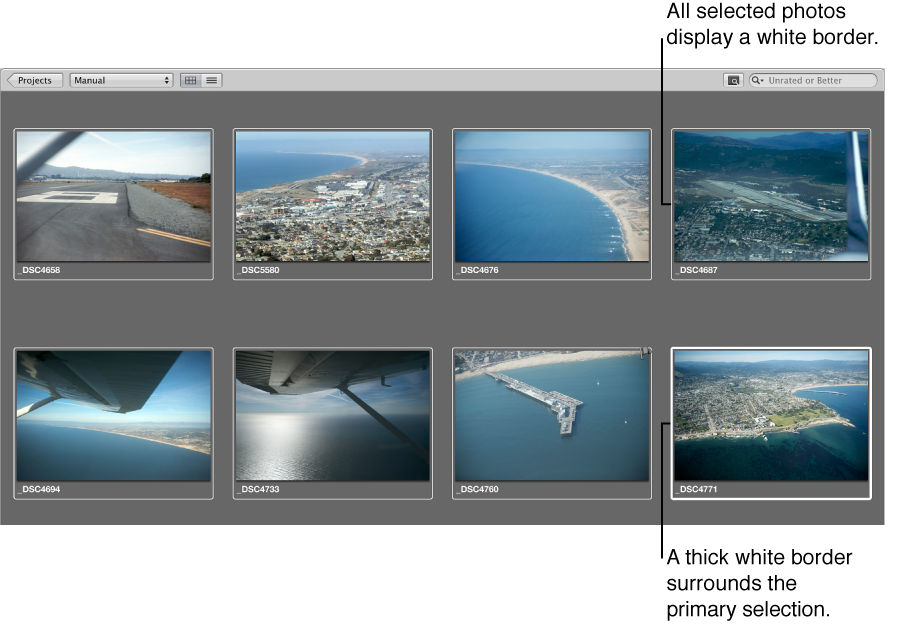

You can select one or more thumbnail-size photos in the Browser, and then modify them in the Browser or see them in a larger format in the Viewer. Photos selected in the Browser are highlighted with a white border. When you select a group of photos, the most recently selected photo, called the primary selection, appears with a thicker white border than the other selected photos.
Do one of the following:
Press an arrow key to move left, right, up, or down in the Browser.
Use the scroll bar to scroll through the photos in the Browser, then click the photo you want to view.
Choose Window > Show Control Bar to display the control bar. In the control bar, click the Move Selection Left or Move Selection Right button.