
Show basic file information about the files displayed in the Import browser
In the Import browser, choose File Info from the Import Settings pop-up menu.
Basic metadata about the file selection appears above the Aperture Library controls in the Import browser.
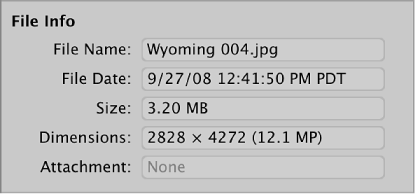
Note: If the selection is a movie or audio file, the duration is shown as well. When a photo with an attachment (such as an audio annotation) is selected, the duration of that attachment is displayed.