Open an item in the Library inspector
Select the item in the Library inspector.
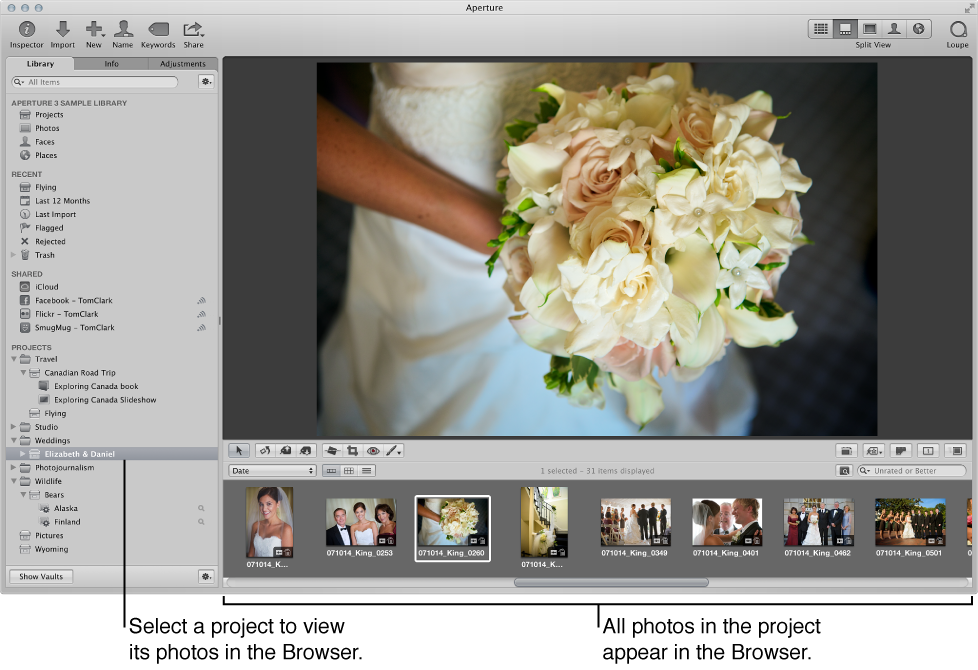

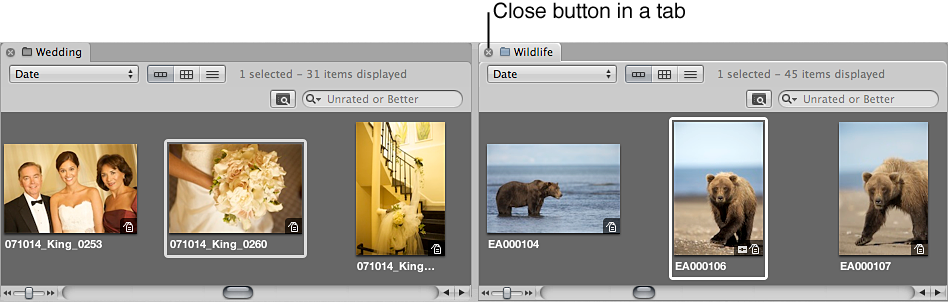
To work with photos in Aperture, you first select an item in the Library inspector to open it in the Browser. You can open and work on more than one item at a time. When you open multiple items from the Library inspector, you can have each item appear in the Browser with its own tab or have the contents of all items appear in a single Browser. You can click an item’s Browser tab to bring it to the front. You can also open an item in its own pane to view the contents of two items in the Browser side by side. When you quit and reopen Aperture, all items that were open at the end of your last session open automatically.
Select the item in the Library inspector.
Option-Command-click an item in the Library inspector.
The newly opened item appears in the Browser with its own tab, in front of any other open items.
Option-click an item in the Library inspector.
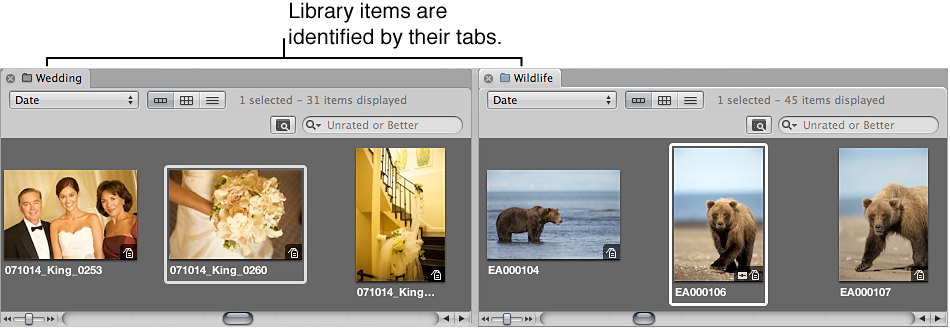
The newly opened item appears in the Browser with its own tab and in its own pane.
In the Browser, click a project’s tab.
Command-click multiple items in the Library inspector.
The contents of each item selected in the Library inspector appear in the same Browser.
Click the item’s tab to bring it to the front.
Click the tab’s close button.